10 ChatGPT Prompt Mistakes Beginners Make (And How to Fix Them)
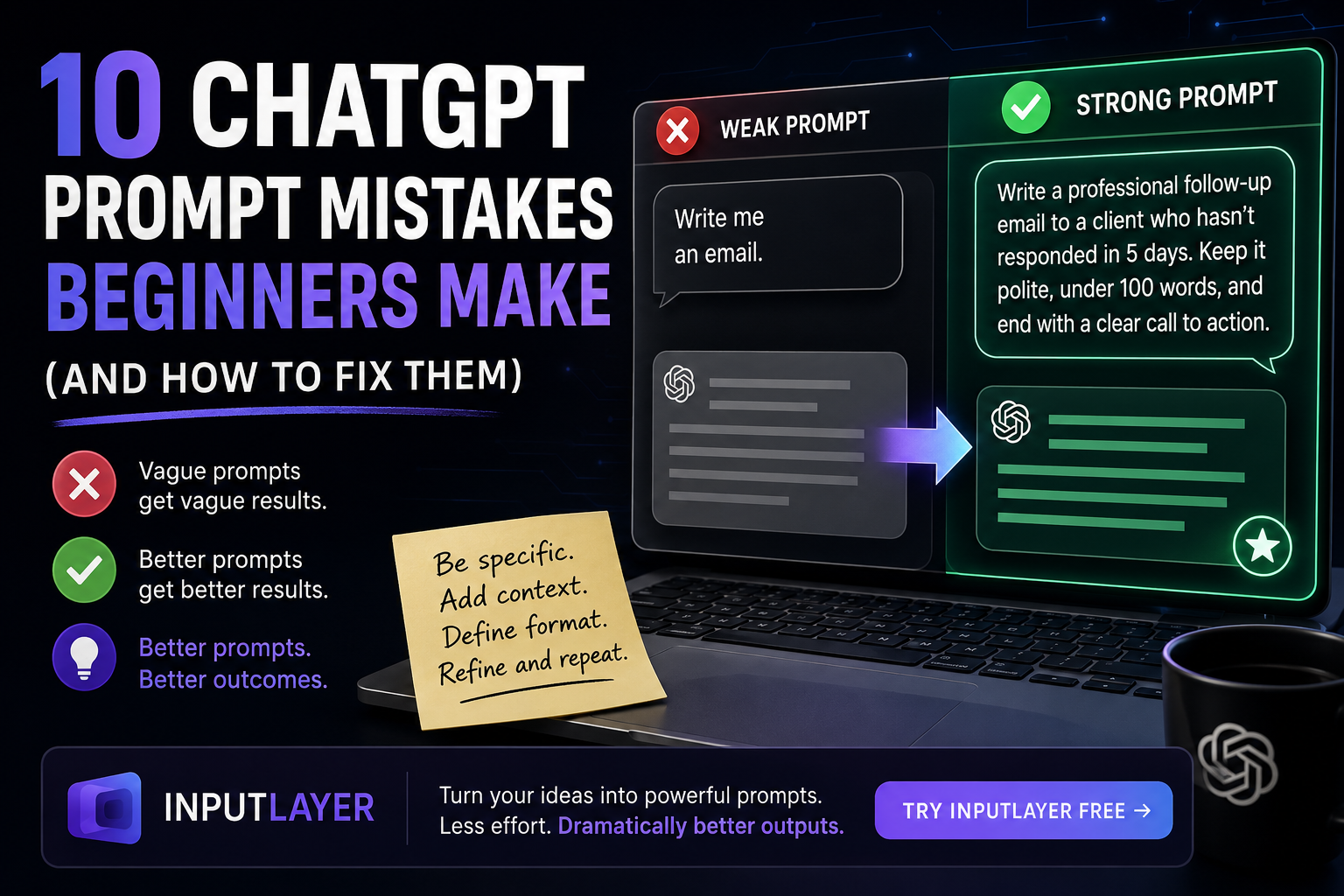
Most people blame ChatGPT when they get bad results. But the real problem is almost always the prompt. Here are 10 mistakes beginners make — and exactly how to fix each one.

10 ChatGPT Prompt Mistakes Beginners Make (And How to Fix Them)
Most people who get bad results from ChatGPT think the AI is the problem. It's not.
The output is almost always a direct reflection of the input. Garbage in, garbage out — but more accurately: vague in, vague out.
Here are 10 prompt mistakes beginners make constantly, and the simple fixes that change everything.
1. Being Too Vague
This is the root of almost every bad AI output.
❌ Weak: "Write me an email." ✅ Strong: "Write a professional follow-up email to a client who hasn't responded in 5 days. Keep it polite, under 100 words, and end with a clear call to action."
The more context you give, the less ChatGPT has to guess — and the better your result.
Vague vs Specific Prompt:
2. Not Telling It Who You Are
ChatGPT doesn't know if you're a student, a developer, a marketing manager, or a complete beginner — unless you say so.
❌ Weak: "Explain machine learning." ✅ Strong: "Explain machine learning to me like I'm a business owner with no technical background. Use a real-world business analogy."
Role context shapes the tone, depth, and vocabulary of the response entirely.
3. Forgetting to Specify the Format
You ask for "a list of ideas" and get a wall of paragraphs. You ask for "a summary" and get five pages.
Always define the format explicitly.
✅ "Give me 5 bullet points, each under 20 words." ✅ "Write this as a table with two columns: Problem and Solution." ✅ "Respond in under 150 words."
4. Writing One Long, Tangled Prompt
When you combine five different requests into one sentence, ChatGPT tries to do all of them at once — and does none of them well.
❌ Weak: "Write a blog post about AI but also make it funny and also add some statistics and also make it good for SEO and keep it short."
Break it into steps:
✅ Step 1: "Write an outline for a 600-word blog post about how AI is changing content creation." ✅ Step 2: "Now write the intro section — make it conversational and hook the reader in the first two sentences."
Treat it like a conversation, not a single command.
5. Not Giving It an Example
If you have a style, tone, or format in mind, show it — don't just describe it.
❌ "Write in a casual but professional tone." ✅ "Here's a sentence in the tone I want: 'AI isn't magic — it's a tool. And like any tool, results depend entirely on how you use it.' Write the rest of the intro in this style."
Examples are worth more than adjectives.
6. Accepting the First Output
Most people read the first response, decide it's not good enough, and give up on AI entirely.
The first output is a draft, not a final answer.
Try:
✅ "Make this more concise." ✅ "That's too formal. Rewrite it for a casual audience." ✅ "The second paragraph is weak. Rewrite just that part."
Refinement is where ChatGPT actually becomes powerful.
7. Asking for Opinions Without Giving a Stance
When you ask "What's the best marketing strategy?", ChatGPT gives you a balanced, non-committal answer that's technically correct and completely useless.
Push it:
✅ "I'm a solo founder with no budget. What's the single highest-leverage marketing move I should focus on first? Give me a direct recommendation, not a list of options."
Force a perspective. You can always push back on it.
8. Not Telling It What to Avoid
Constraints are just as important as instructions.
✅ "Write a product description — no buzzwords, no exclamation marks, no passive voice." ✅ "Suggest marketing ideas — nothing that requires a big budget or a team."
Negative instructions eliminate the generic filler ChatGPT defaults to when it has no boundaries.
9. Using It for the Wrong Things
ChatGPT is not a search engine. Asking it for real-time prices, current events, or live data will get you confident-sounding guesses — not facts.
Use it for:
- Drafting, editing, and rewriting
- Explaining concepts
- Brainstorming and ideation
- Structuring and formatting information
Use actual search for: recent news, prices, statistics, and anything time-sensitive.
10. Giving Up After One Bad Result
This is the biggest mistake. One bad output doesn't mean AI isn't useful — it means the prompt needs work.
The people who get remarkable results from ChatGPT aren't using a different tool. They've just learned how to ask better questions.
And that skill — writing precise, structured, context-rich prompts — is exactly what separates average users from people who actually get value out of AI.
The Shortcut
If writing detailed prompts every time feels like too much work, that's exactly the problem InputLayer solves.
You type your rough idea. InputLayer transforms it into a precise, structured prompt automatically — detecting your intent, matching your context, and sending a properly engineered instruction to the AI.
Less effort. Dramatically better outputs.
Published by Aevronyx · theinputlayer.com